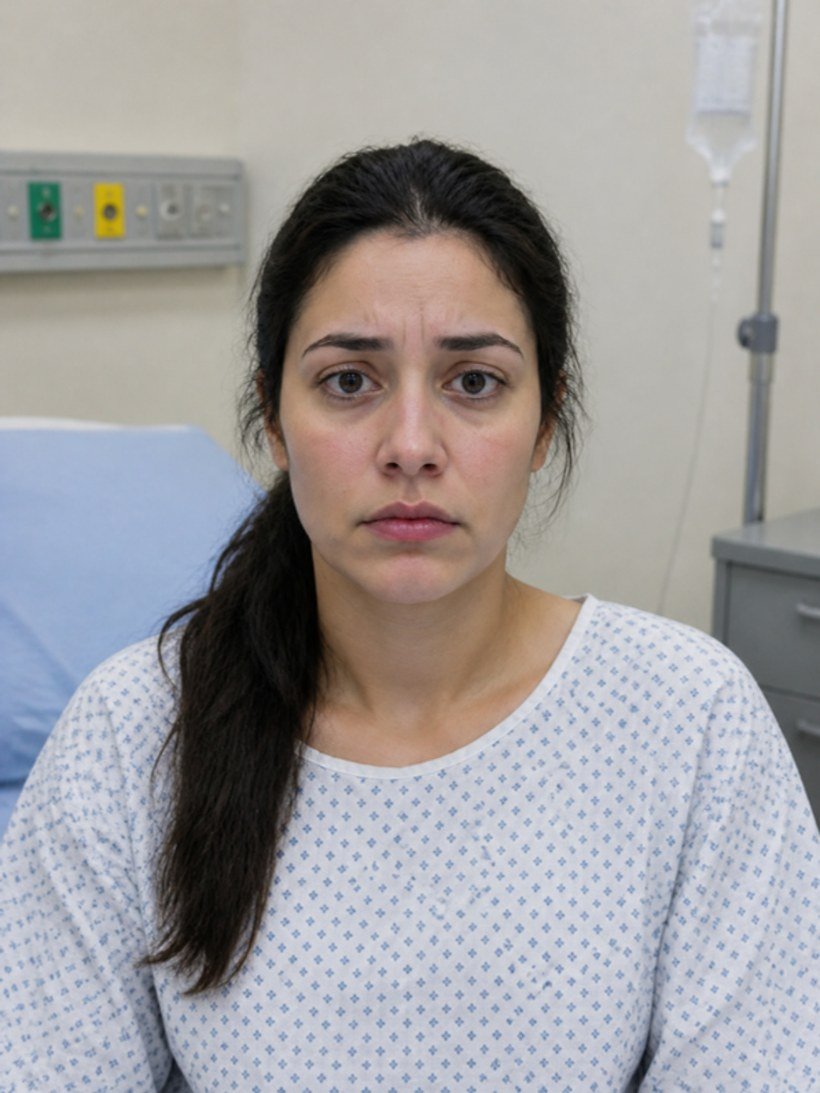
Live patient monitor
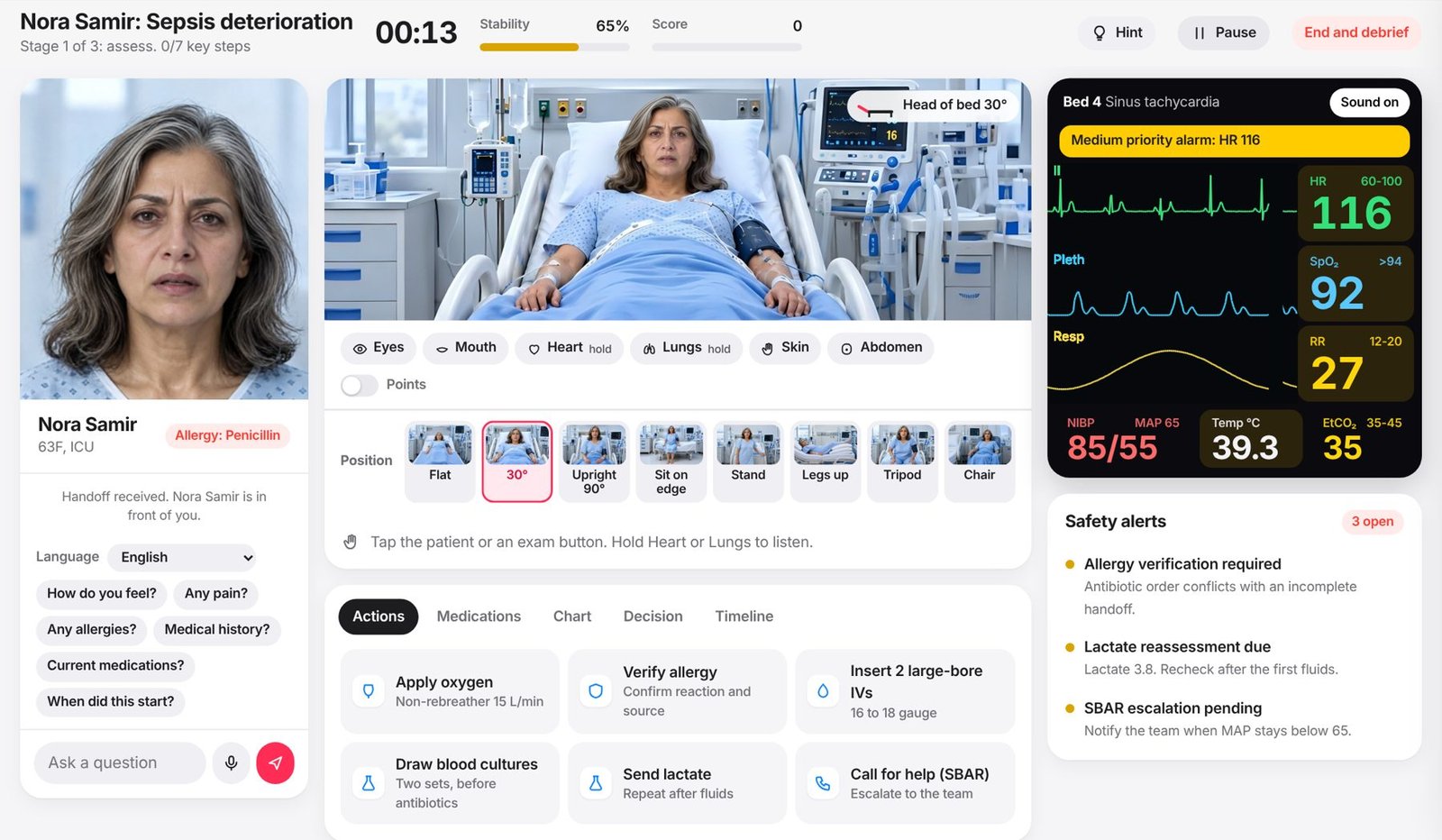
ECG, SpO₂, blood pressure, respiratory rate and temperature update every second. Alarms sound when the patient worsens.
PatientTwin is an online clinical simulator. You care for a virtual patient whose vital signs react to every decision you make, then get an expert debrief on what you did and when.
No sign-up and no download for the free cases. Already a member?
Try 3 cases without an account. Scores are not saved.
PatientTwin is a screen-based clinical simulator for health professions education. You manage one patient from first look to handover. The physiology runs live, so delays, wrong drugs and missed steps show up on the monitor in seconds.
Every run is different. Starting vitals, speed of decline and complications change each time, so you practice judgment, not memory.
Filter by discipline, level and module. Each case lists setting, time and difficulty.
Patient history, allergies, home medications and your learning objectives.
Assess, examine, order, reposition and escalate. The patient responds to every decision.
Score, stars, 5 competency ratings, your errors with fixes, and 3 goals for your next run.
ECG, SpO₂, blood pressure, respiratory rate and temperature update every second. Alarms sound when the patient worsens.
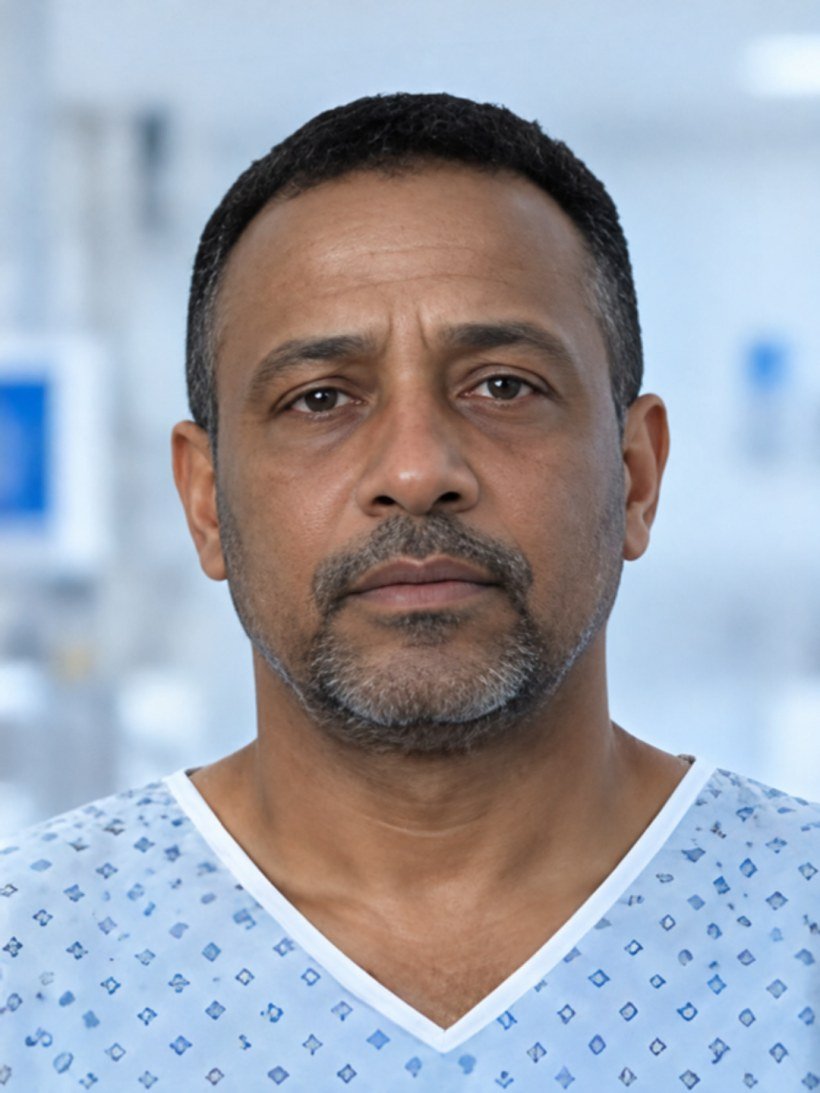
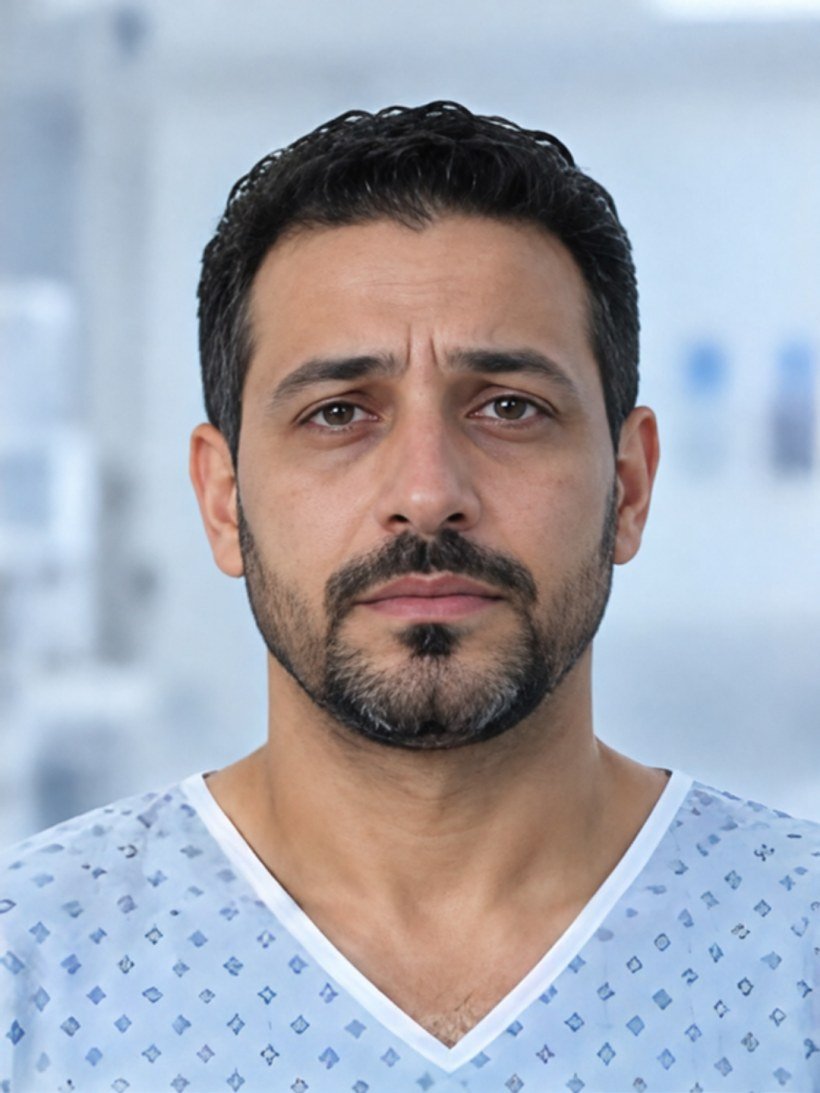
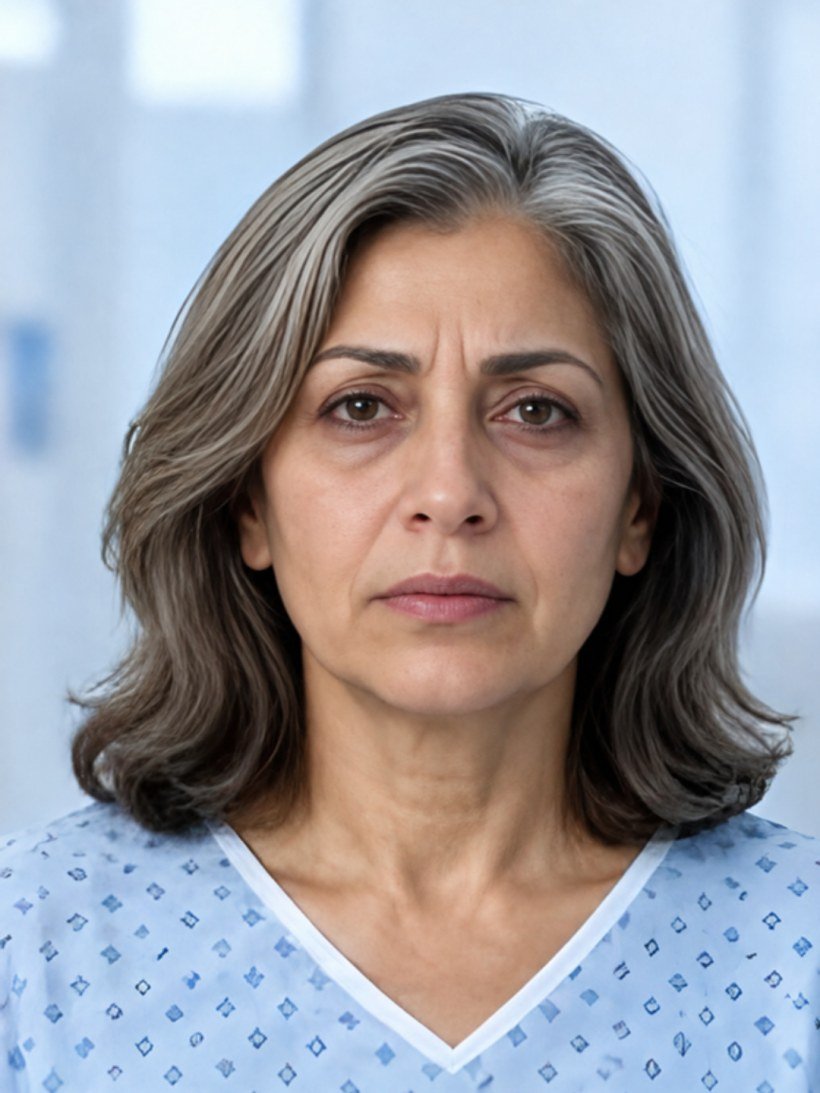
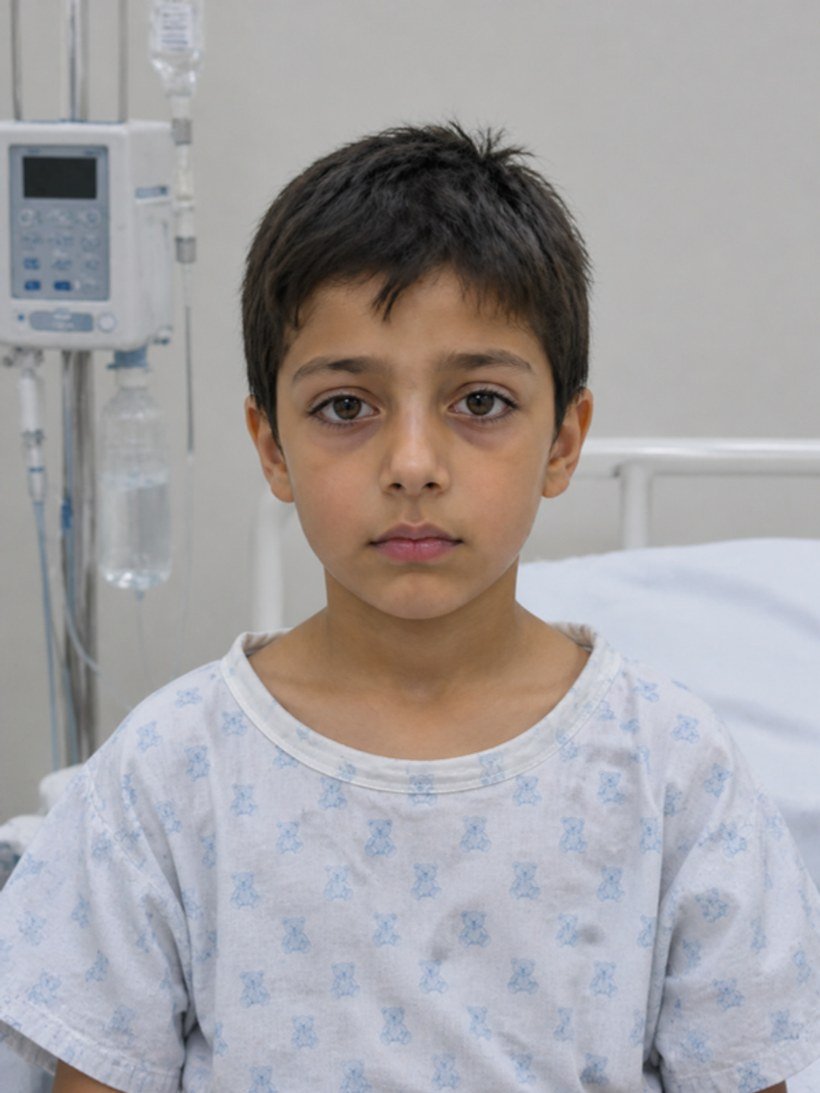
Check eyes, mouth, skin, chest and abdomen. Exam photos match each patient’s own age, sex and skin tone.
Press and hold to listen. Recorded murmurs, crackles, wheeze, stridor and silent chest, not synthesized tones.
Ask questions by voice or text. Patients answer in their own recorded voice, speak up when they feel worse, and sound better as you treat them.
Oxygen, fluids, blood, antibiotics, epinephrine and more. Each order moves the vital signs. Wrong doses and allergies cost points.
12-lead ECG, blood gases, chest X-ray, CT head, lung ultrasound and EEG. Results arrive after a realistic delay.
CPR with a metronome, pads, rhythm checks, shocks and return of circulation. Compression fraction and time to shock are scored.
Every mistake shows the reason and the better choice. The debrief compares your timing against the expert approach.
Cases marked Free open in guest mode. Create a free account for the rest.
Loading cases…
Faculty build new cases in a form, with no code. Set vitals and how fast they drift, exam findings, correct and harmful orders, the expert approach with target times, random complications and patient answers.
Year 1 to 4 and registered nurses
Medical school year 1 to 4, PGY-1 to PGY-3, physicians
Year 1 to 3 and registered RTs
Year 1 to 4 and registered midwives
See PatientTwin with your faculty in a 30-minute online session. We walk through the learner experience, case authoring and learner reports, and answer your questions on setup and pricing.
Yes for learners. 3 cases open with no account. A free account opens the full library and saves your scores. Schools and hospitals book a demo for program setup.
No. PatientTwin runs in the browser on a laptop, tablet or phone. Chrome, Edge and Safari support voice conversation. Headphones help for heart and lung sounds.
Students and practicing clinicians in nursing, medicine, respiratory therapy and midwifery, from first year to registered practice.
Most cases take 8 to 12 minutes, plus a few minutes for the debrief. You can pause at any time.
Each case follows current published guidance, including Heart and Stroke CPR, Canadian stroke best practice, SOGC, TREKK and Surviving Sepsis. The guideline basis is shown in each case brief.
Yes. Faculty build and edit cases in a form with no code, add patients to the library and track every learner attempt. An admin approves each faculty account.
No. PatientTwin is for education and practice only. Do not use it for real patient care decisions.
Try 3 cases as a guest. Create a free account to open the full library and save your progress.
Select a drug to review the order and run the safety check.
| Time | Drug | Dose | Route | Status |
|---|---|---|---|---|
| No drugs given yet. | ||||
A decision checkpoint opens during the scenario.
| Step | Expert by | You |
|---|
Faces and bedside photos used in cases. Built-in patients have recorded voices.